Canvas base prices match the main catalogue, including 20% VAT. Package additions of AMD 4,000 or 8,000 remain provisional. Design, outer frame, wall mounting and delivery are separate.
Packaging
Simple packaging. A complete gift.
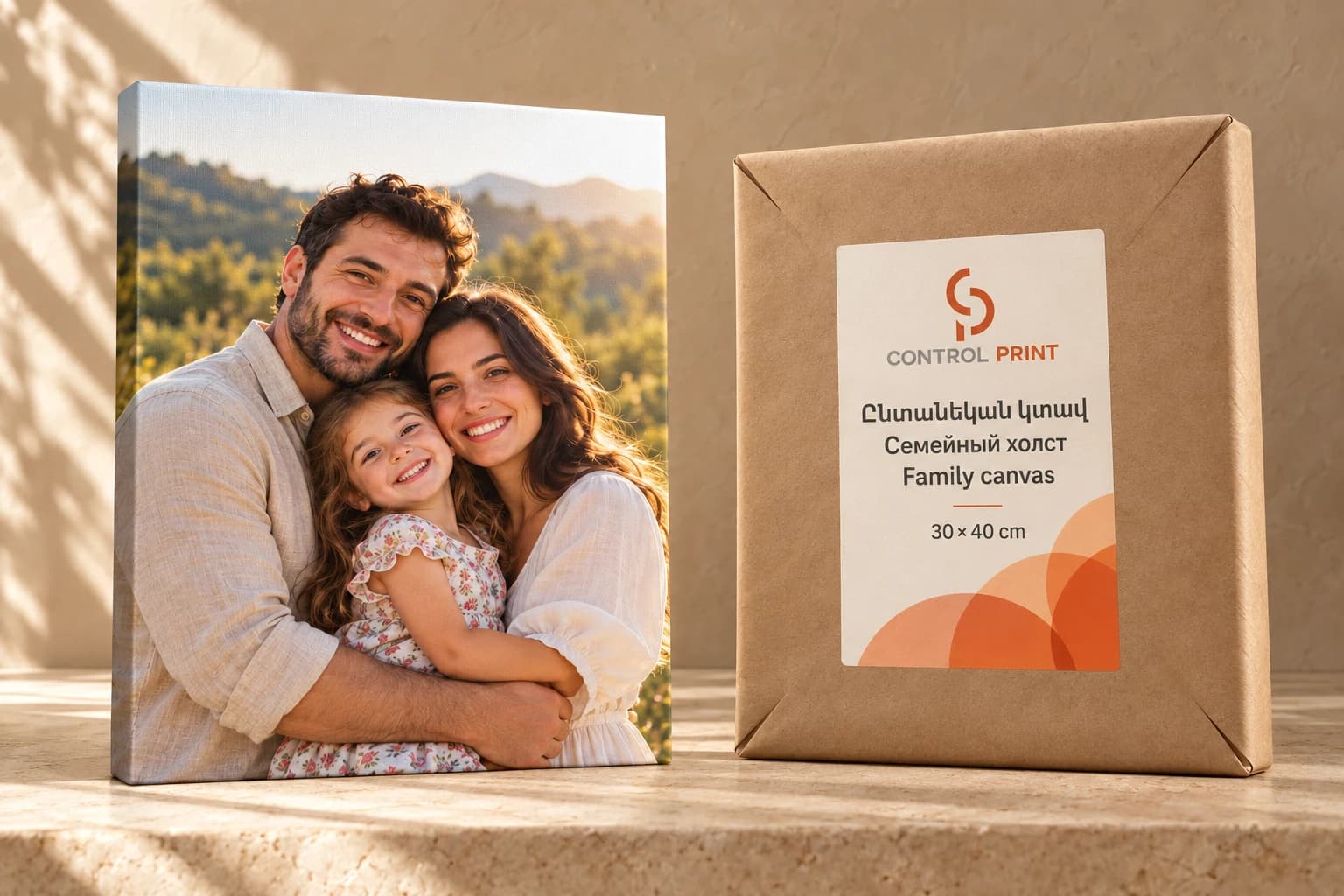
Wrap the canvas in kraft paper with neat folds. One label with the original logo, orange ornament and selected size. Agree corner and outer delivery protection separately.
Family canvas
30×40 / 40×50 / 50×70 / 60×90 cm · Your photograph
The photograph is the whole design. No mandatory wording, logo, glass or outer decorative frame. Keep faces and important details in the safe front area.
Designer tasks
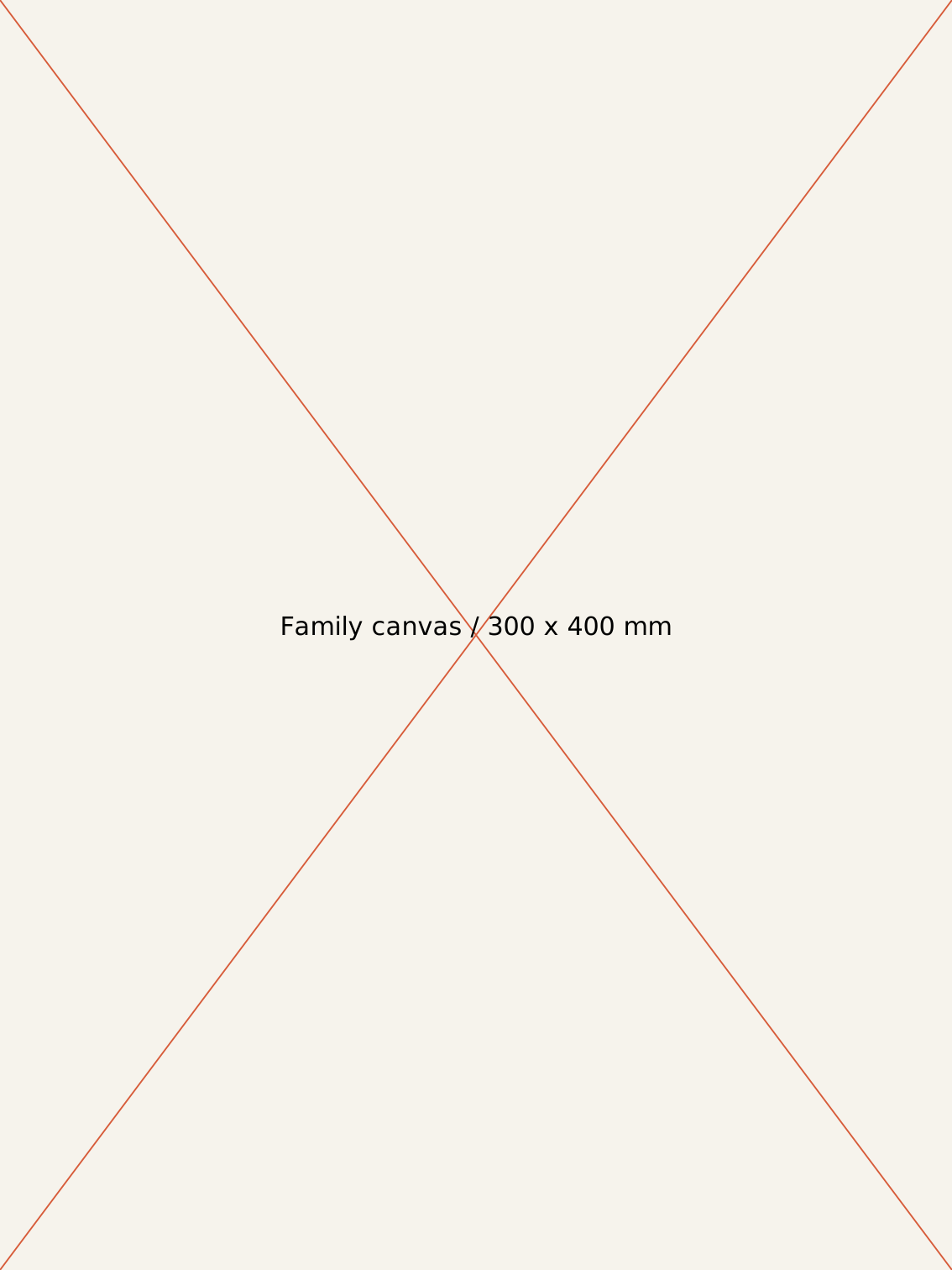
Prepare portrait and landscape front templates for all four sizes, with separate SAFE and WRAP layers.
Measure the actual frame before setting front safe areas and wrap allowances.
Create a replaceable photo layer without our logo or mandatory wording.
Create a kraft-wrap label with variable size in all three languages.
Do not place the Control Print logo or wordmark on products. Logo on packaging only.
Technical reference for the next phase
Four front sizes: 300×400, 400×500, 500×700 and 600×900 mm, each also in landscape. Measure wrap allowances on the actual stretcher.
The editor photo stays local. The JSON contains settings, crop and file metadata, not the original image.
Obtain and check the original photograph separately for printing.
In added canvas sets, all six magnets initially repeat the same selected photograph. There are no six separate photo inputs.
Canvas base prices match the main catalogue, including 20% VAT. Package additions of AMD 4,000 or 8,000 remain provisional. Design, outer frame, wall mounting and delivery are separate.
Front size: Four front sizes: 300×400, 400×500, 500×700 and 600×900 mm, each also in landscape. Measure wrap allowances on the actual stretcher.
Edges: Measure allowances on the chosen frame. Do not place faces on the side wrap.
Photograph: Preserve natural appearance and colour. Heavy retouching and added elements require separate agreement.
Base: Selected printable canvas and a ready-made wooden frame, measured from a sample.
Printing: The operator approves profile, drying, any protective coating and stretching method on a sample.
File check: 150 and 300 ppi are preflight guidelines, not quality guarantees. Account for actual crop and front size.
Kraft wrap: Wrap the canvas in kraft paper with neat folds. One label with the original logo, orange ornament and selected size. Agree corner and outer delivery protection separately.
Choose orientation and set; add a photo to the local preview.
Approve the crop and obtain the original file separately.
Check pixels, profile and important details.
Print, finish and stretch using approved sample settings.
Check tension, corners, crop and packaging.
Faces and important details remain on the front.
The frame is straight and the canvas evenly stretched.
Compare colour with an approved small proof.
Check front crop and edge continuation against the original.
1:1 front templates for 300×400, 400×500, 500×700 and 600×900 mm, plus landscape versions.
Replaceable photo layer with SAFE and WRAP guides
Create a kraft-wrap label with variable size in all three languages.
Web views and local-crop production JSON
Approve dimensions and allowances on the actual frame. The web preview is not a print file.
Increase the basket with the already designed 6 photo magnets and card. Every version uses the same canvas.
 your printing is under control